
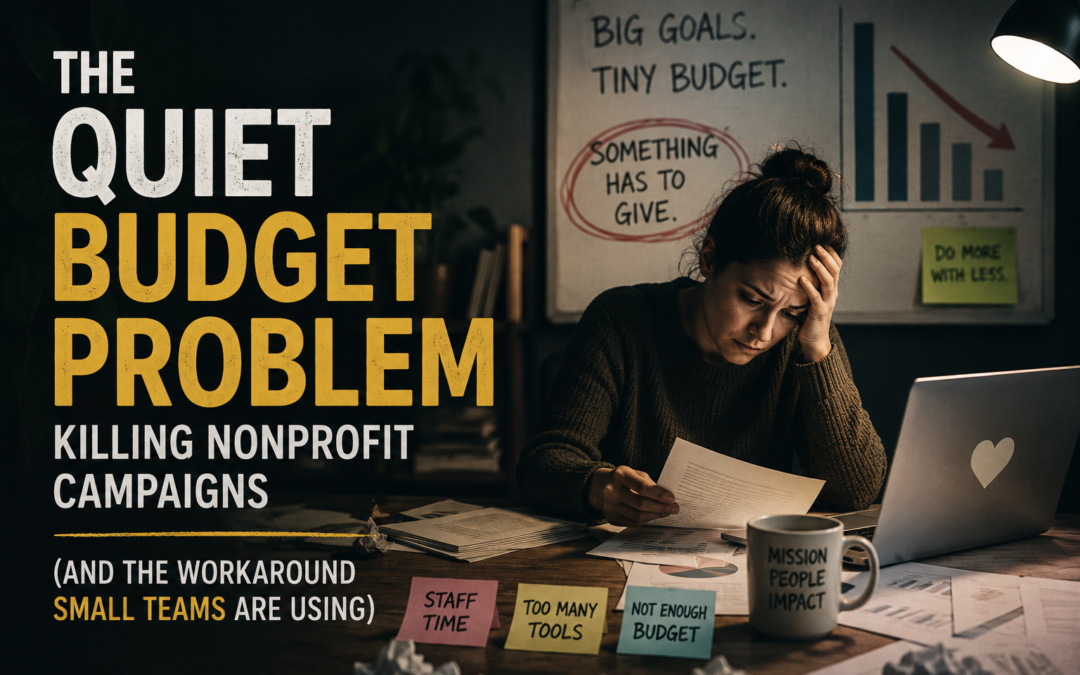
 Every nonprofit communications director knows the feeling: you have a story worth telling — a family helped, a school built, a crisis averted — and no way to tell it that matches the size of the moment.
Video works. Everyone knows it works. Donors engage with it, share it, and give more after watching it. But a single 60-second explainer from a freelance animator or agency can run $1,500–$5,000, and most nonprofits don’t have that kind of discretionary budget sitting around for a single social post or year-end appeal.
So the story gets told in a static graphic instead. Or a bulleted email. Or nothing at all.
What Changed
A wave of small nonprofit teams — often just one or two people running comms, development, and social media at once — have started solving this a different way: AI-powered animation tools that turn a written script or prompt directly into a finished, voiced, whiteboard-style animated video. No editing software. No animator. No render farm. Just a description of what you want to say, and the tool builds the video around it — hand-drawn-style characters, transitions, background music, and voiceover included.
For a program explainer, a donor impact story, an event recap, or a fundraising ask, that’s the entire production pipeline collapsed into an afternoon.
Why This Matters Specifically for Nonprofits
You’re not competing on production value — you’re competing on clarity. Doodle-style, hand-drawn animation isn’t trying to look like a Pixar short. It’s built to explain something simply and warmly, which happens to be exactly the register most mission-driven storytelling needs. A tool built around that style does the heavy lifting for you.
One-time cost beats monthly software fatigue. Most nonprofits are already stacking subscriptions — CRM, email platform, donation processing, design tools. Adding another recurring line item is a hard sell to a finance committee. A one-time-payment licensing structure (which is how this particular tool is currently being offered) sidesteps that fight entirely.
No design hire required. Smaller organizations rarely have a video editor or motion designer on staff, and hiring one — even part-time — is out of reach for most budgets. A prompt-to-video workflow puts video production in the hands of whoever already writes the newsletter or manages the Instagram account.
Volume matters more than perfection. Nonprofit comms calendars are relentless — Giving Tuesday, year-end, spring gala, monthly newsletter, volunteer recruitment. A tool that can turn around a new video in under an hour means your video count for the year can realistically go from “one, if we’re lucky” to “one for every campaign.”
The Honest Caveats
This isn’t a replacement for a documentary-style donor film or a produced gala video — for those, you’ll still want a professional. And like most AI-generated content, you’ll likely want to review and lightly edit scripts before generating, so voiceover and pacing sound like your organization rather than a generic template.
But for the recurring, high-volume, “we need something now” content that eats most of a comms calendar — explainer videos, social clips, quick appeals — it’s a genuinely useful shortcut, and priced in a way that’s realistic for organizations running lean.
Where to Look
There’s currently a discounted lifetime-access offer running for this exact tool — worth a look if your team has been putting off video because of cost or lack of a design person.